





HD Vision Systems
← All Solution Sets

LUMISCAN / APPLICATION OVERVIEW

Pick & Place

Electronics · Packaging

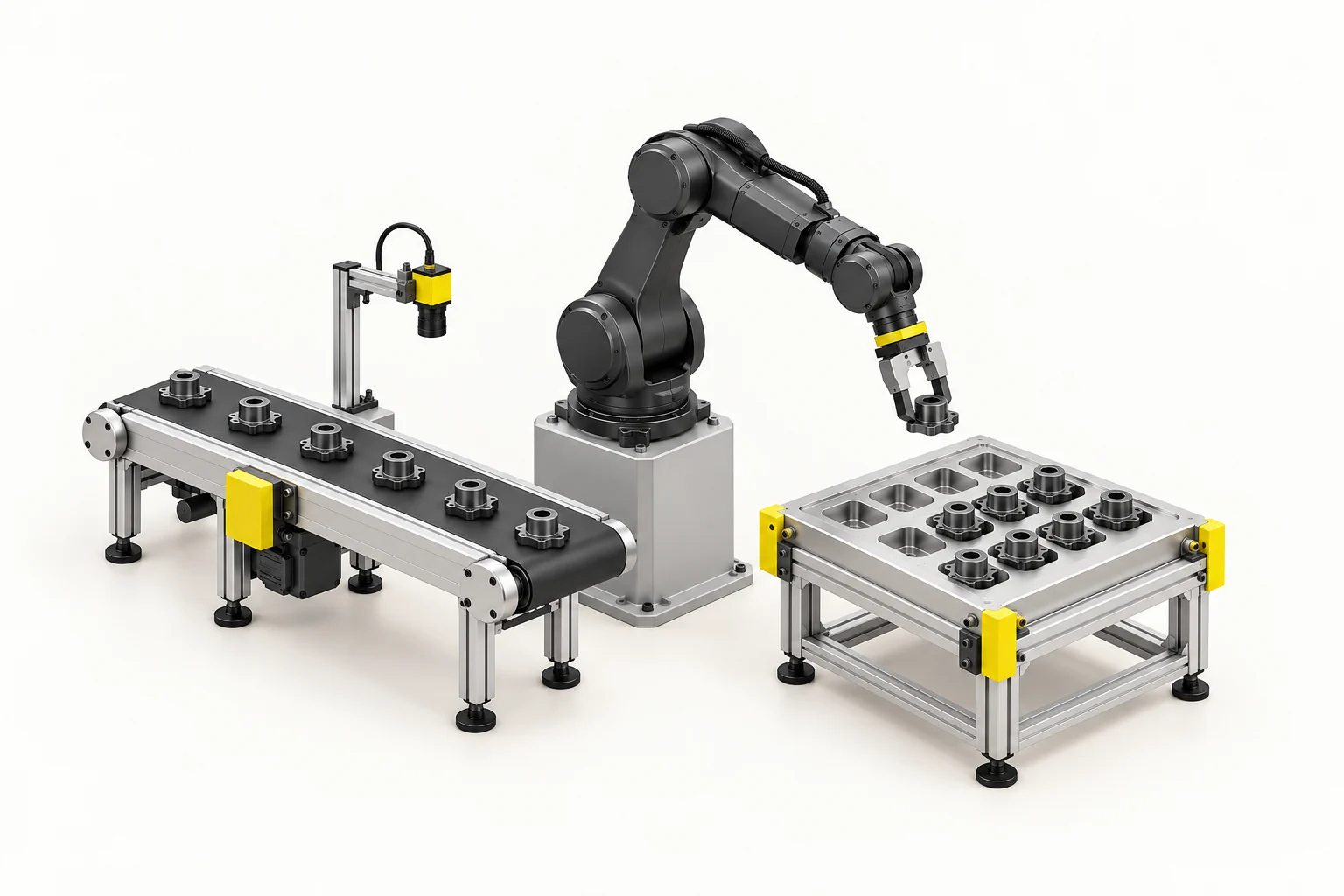
Find individual products, identify their orientation and guide placement at the next station.

An accessible starting point for vision-guided automation: locate parts on a conveyor, tray or worktable and place them at the target position. An AI-based setup can work without CAD models; the camera, lighting and calibration are selected for your task.

Get a Quote ↓
Pick & Place in motion
Loading 3D…

LumiScan Advantages

  • < 1 s Path planning for bumper inspection

    In one bumper inspection application, LumiScan VGR calculated the robot path in under a second. Calculation time depends on the task.

  • 20 min Our fastest application setup

    We configured an application in 20 minutes using ready-made LumiScan apps.

  • ROI Lower upfront costs

    Reuse existing hardware and license only the apps you need. This can shorten payback compared with buying an entirely new cell.

  • 100+ Compatible sensor models

    Choose the sensor that suits your parts, or keep using compatible equipment already in your cell.

  • 30 years Of machine vision engineering experience

    Work one-to-one with our engineers to select the sensor, lighting and inspection sequence for your part.

  • One-Time Installation for multiple tasks

    Add compatible apps to the same LumiScan installation as your cell takes on new tasks. License the apps you add.

  • German Innovation Award 2019
  • inVISION Top Innovation 2020
  • VISION Start-up 2020
  • 100 Orte für Industrie 4.0
  • Startup the Future
  • DeepTech4Good
  • KI-Innovationswettbewerb
  • NVIDIA Inception

Lab demonstration · Kassow Robots

Guide a cobot to an individual part

Follow a Kassow cobot as its gripper approaches small parts in a tray, grips one and lifts it clear. The recording shows the pick phase of the LumiScan VGR handling demo.

Explore the full application story
Excerpt from the HD Vision Systems lab recording with a Kassow cobot.

Solution packages

Pick, orient and place products from a conveyor, tray or table. A focused camera-and-app setup provides a cost-conscious entry point, with an AI recognition route that does not require a CAD model.

LUCID Vision Labs
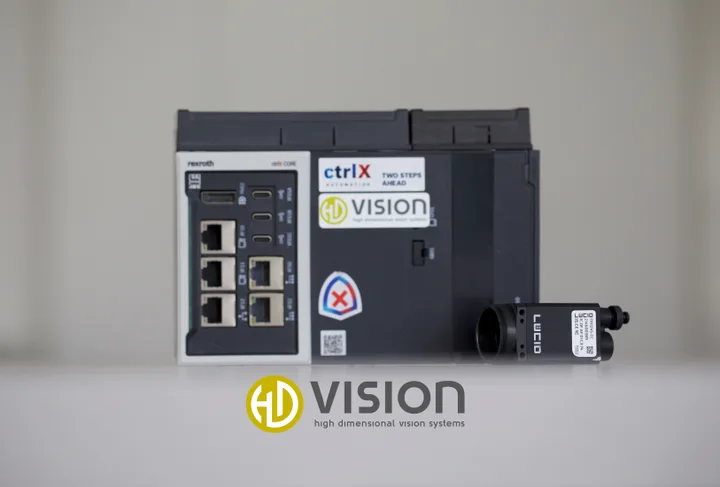
LUCID Triton / ctrlX CORE
Integration example: LUCID Triton beside a Bosch Rexroth ctrlX CORE. We select the lens and camera model for your parts.

Package 01

LUCID Triton + LumiScan Vision Suite

Capture the part, detect position and orientation, and transfer calibrated coordinates to the robot. Match the app choice and optics to the product instead of starting with a large software bundle.

Suitable workpieces
Parts or products with a visible 2D feature and a defined presentation plane.
Software & role
LumiScan camera acquisition and hand–eye calibration, with AI Object Matching or an assessed VGR Lite route. Selected apps and runtime licences are quoted individually.
Technical configuration
Sensor model
LUCID Triton · 2D

The picture is an integration example with ctrlX CORE.

Camera interface / driver
LumiScan CamDriver · GenICam / GigE Vision

The exact Triton model and driver version must be checked for the target device.

Calibration
Hand–eye / camera-to-robot calibration
Licences & purchase
Engineering across projects + runtime licences

Buy directly from HD Vision Systems. Runtime licensing depends on the apps used. Modules, quantities, term and activation are specified in the quote.

Select this set

Sensor images show the named devices or family examples.

Software matched to the task
Assess LumiScan AI Object Matching or VGR Lite for the required recognition task. The shown LUCID Triton is a 2D starting point; 3D cameras and edge / ctrlX runtimes are chosen only after checking the selected apps, sensor and operating conditions.
Application limits
Define part variation, feed speed, spacing and orientation. Reflections, shadows, occlusion, motion blur or changing part height can affect recognition; specify lighting, capture timing and any need for 3D before committing to cycle time or placement accuracy.

From selection to delivery

Request a configuration
  1. Share your task

    Provide sample parts or images, the process and existing equipment.

  2. Define the setup

    Agree the sensor, processing unit, interfaces and test criteria.

  3. Review the quote

    Confirm software licences, hardware and the agreed engineering scope.

  4. Integrate & verify

    Set up the application, test the agreed sequence and document the handover.

Licences & delivery scope

Buy engineering and runtime licences and vision hardware directly from HD Vision Systems, with training and support. Engineering is used across projects; runtime licence quantities depend on the selected apps and configuration. The quote lists those quantities, software and hardware, plus the agreed integration and support scope and any customer-supplied components.

To specify in the quote: Licence term and activation, exact hardware / OPU model, delivery date, commissioning and training scope.

For the application trial

Define the visible feature, part orientation range, lighting and placement tolerance before selecting the final apps and optics.

Package configuration

Choose your setup

Locate a product in a 2D image and align its transfer to the next station.

Set 01 · LUCID Triton + LumiScan Vision Suite

Vision softwareLumiScan Vision Suite
LumiScan

We check your selection against your parts and confirm models, drivers, licences and scope in the quote.

Get a Quote Opens the enquiry form with your selections.
LumiScan software & algorithms

Where is the part, and which way is it turned?

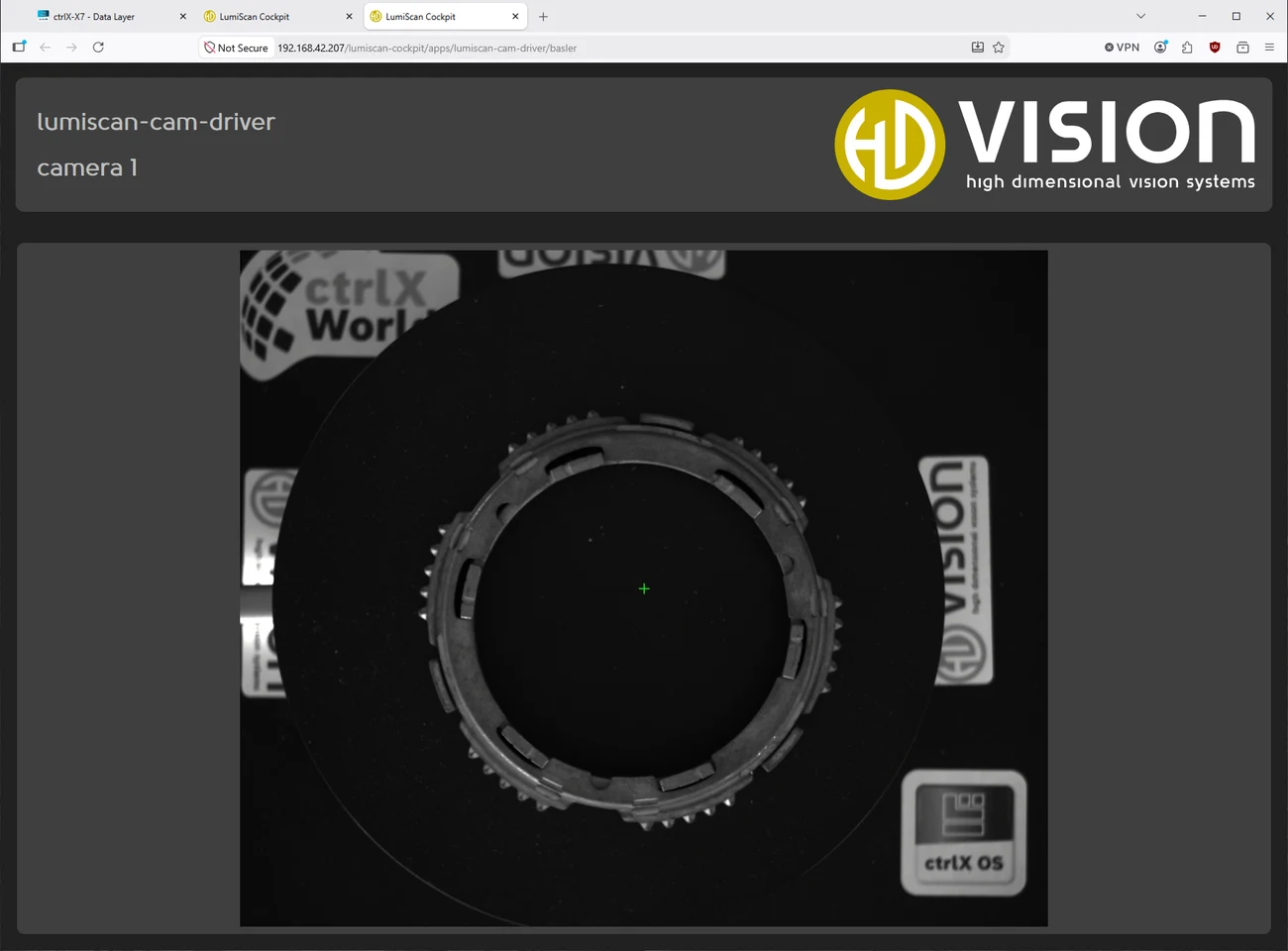
Example camera input in LumiScan Cockpit. Template matching starts with a feature in the image. Enlarge image
  1. Input

    For a 2D setup, select a visible feature from a camera image as a template.

  2. Algorithm

    Template Finder searches within the configured range of rotation and scale and returns a confidence score for each match.

  3. Output

    The detected position and angle provide the input for a calibrated pick.

LumiScan Template Finder

THE TASK IN CONTEXT

From the workpiece to the next process.

  1. 01

    Locate the product

    Define the visible product features and the position information required by the robot.

  2. 02

    Coordinate the pick

    Match acquisition and robot handling to the product presentation and material flow.

  3. 03

    Place and confirm

    Define the destination, placement tolerance and process confirmation for the application.

APPLICATION REVIEW

Start with your parts and process.

Camera, computing platform, robot and tooling are selected around the application. Confirm the software modules, interfaces and acceptance criteria for the intended configuration.

Test it with your parts at LumiScan Labs in Heidelberg →

Useful inputs for a first discussion

  • Product dimensions, surfaces and orientation range
  • Conveyor or tray presentation, timing and gripping method
  • Destination geometry, placement requirements and process feedback

This overview describes the application. Performance and delivery scope are established during project review.

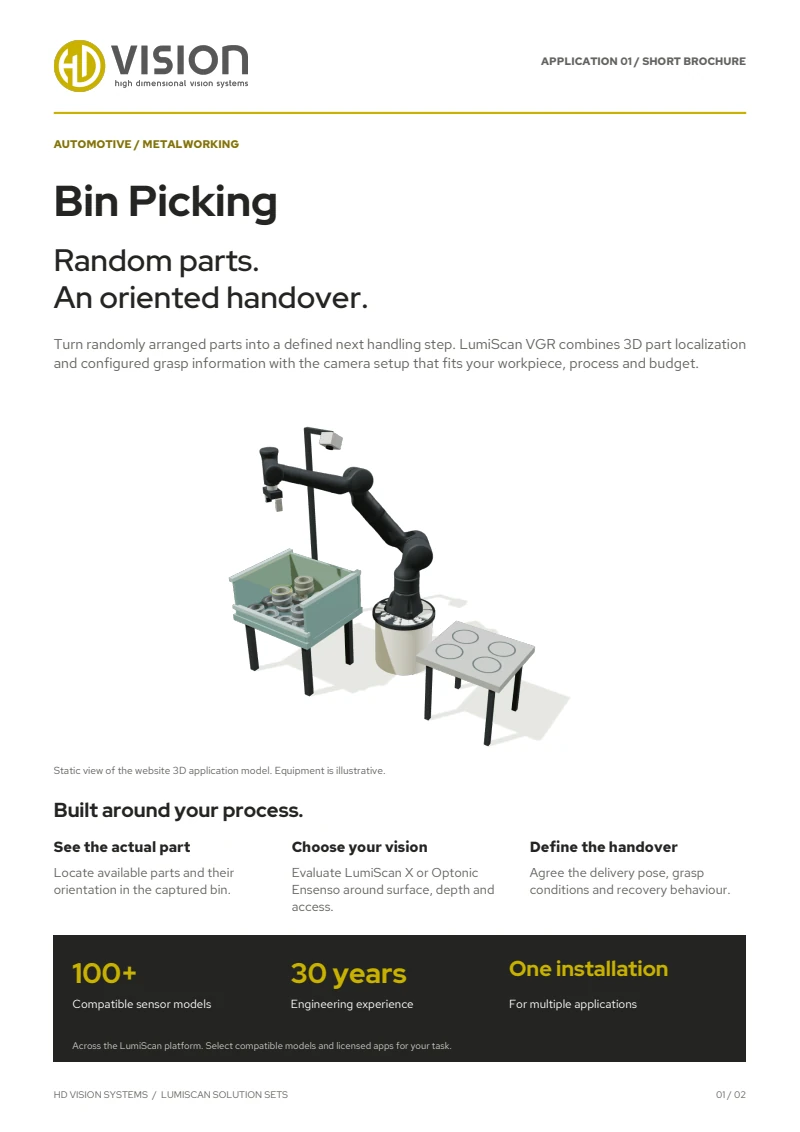
First page of the English LumiScan Solution Sets brochure, featuring the Bin Picking application

TAKE LUMISCAN WITH YOU

Six applications. One brochure.

From Bin Picking to Machine Tending: explore our six LumiScan Solution Sets and the vision behind each application.

Free · We’ll email you the download link.

LUMISCAN SOLUTION SETS

Your LumiScan brochure

An overview of all six applications in one English PDF. We’ll email you the download link.

We’ll email you a download link that is valid for seven days. We use your address only for this; you won’t be subscribed to any newsletter. Privacy details

Frequently asked questions

What does the Pick & Place solution set do?

It locates parts on a conveyor, tray or worktable, detects their position and orientation and transfers calibrated coordinates to the robot, which places them at the target position.

Do we need CAD models?

No. An AI-based setup works without CAD models. Camera, lens, lighting and calibration are selected for your parts.

Which hardware does it use?

Set 01 combines a LUCID Triton camera with apps from the LumiScan Vision Suite – for example as an integration with a Bosch Rexroth ctrlX CORE. We select the lens and camera model for your parts.

How are image coordinates turned into robot coordinates?

LumiScan Calibration performs the hand–eye calibration and converts pixel coordinates into robot coordinates, for station-mounted and robot-mounted cameras.

YOUR ENQUIRY

Let’s talk about your application.

A few details are enough – we get back to you within one business day. Prefer to talk? +49 6221 6721900

Up to 3 files, 10 MB in total · JPG, PNG, PDF, STEP

We use your details to answer your enquiry. See the privacy notice.