
One platform.
Every cell.
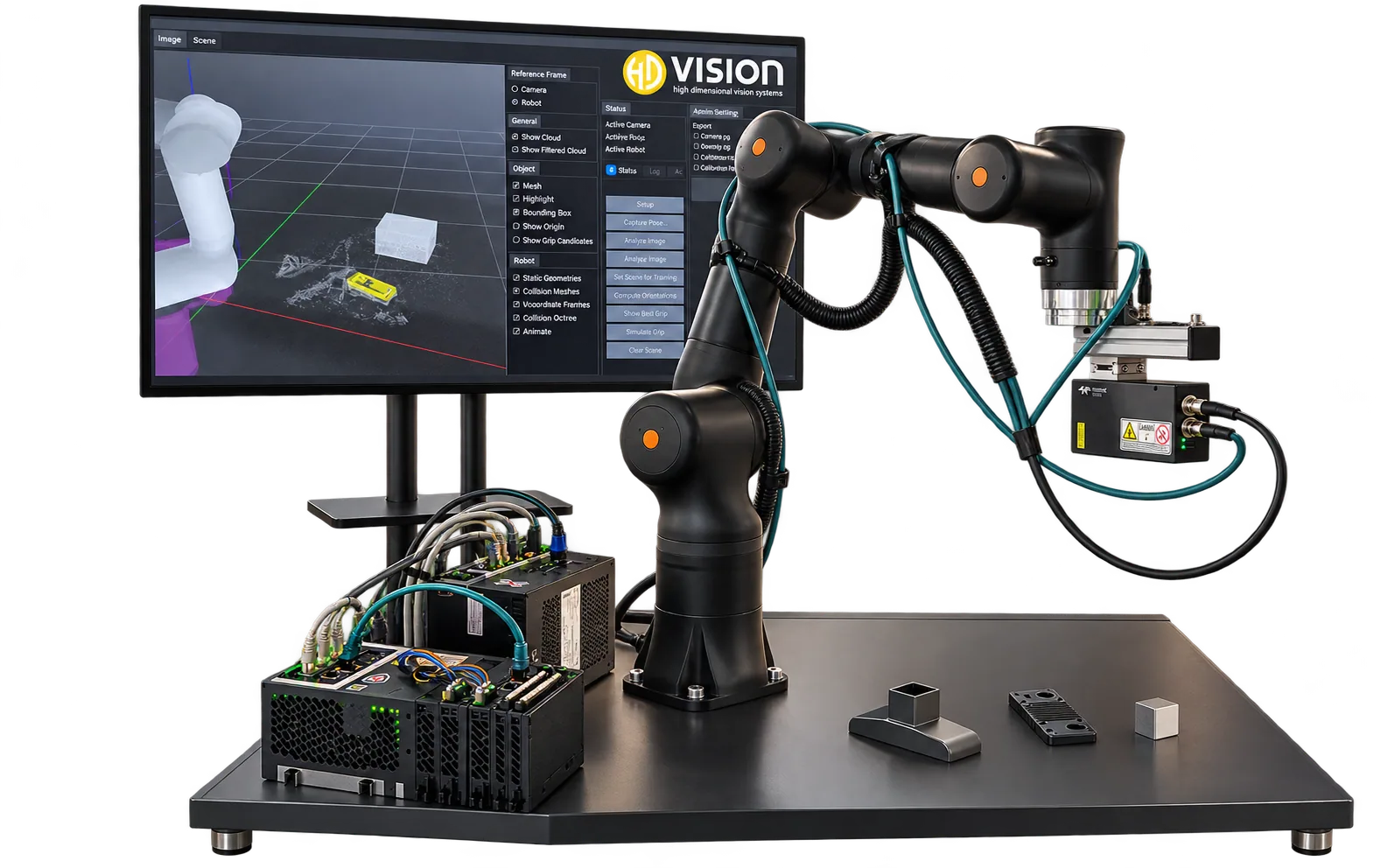
The LumiScan Vision Suite connects your cameras, AI apps and controller through one shared data layer. Ready-made solution packages get you into production faster.




- vision apps in the LumiScan Vision Suite
- 19
- measured cycle time with LumiScan VGR on a Bosch Rexroth IPC and ctrlX CORE
- ≈ 1 s
- inspection systems with LumiScan X and VGR at Mühlbauer Technologie
- 13
- platforms, one interface: Windows 11, Ubuntu 24.04, ctrlX OS
- 3
Solution Packages
What do you want to automate?
Each solution package bundles LumiScan apps, the right vision hardware and a certified integration partner – put together around your task, not around a product.
Start the solution finder-
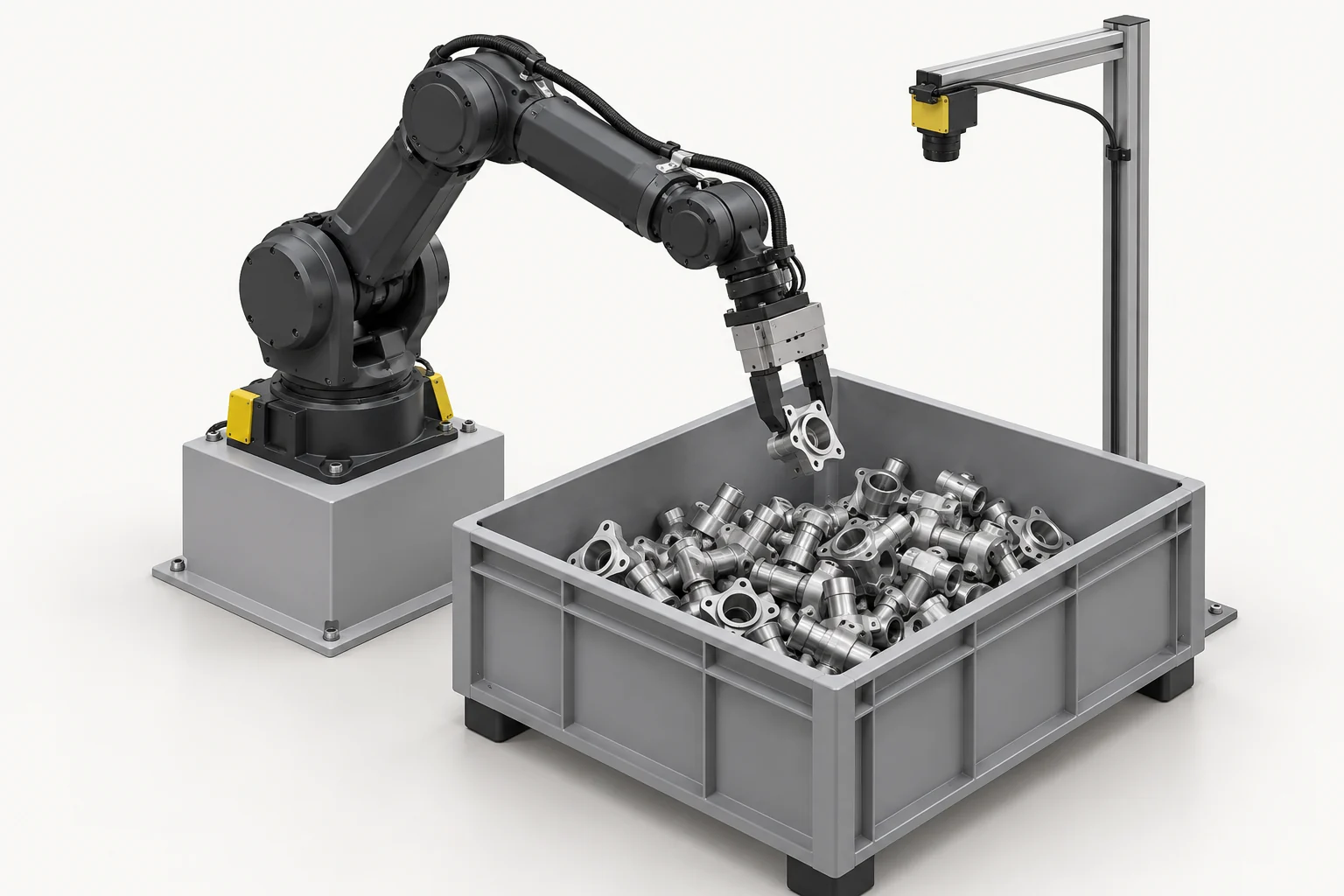
Automotive · Metalworking
Bin Picking
LumiScan VGR with the right 3D camera. From random parts to an oriented handover.
-
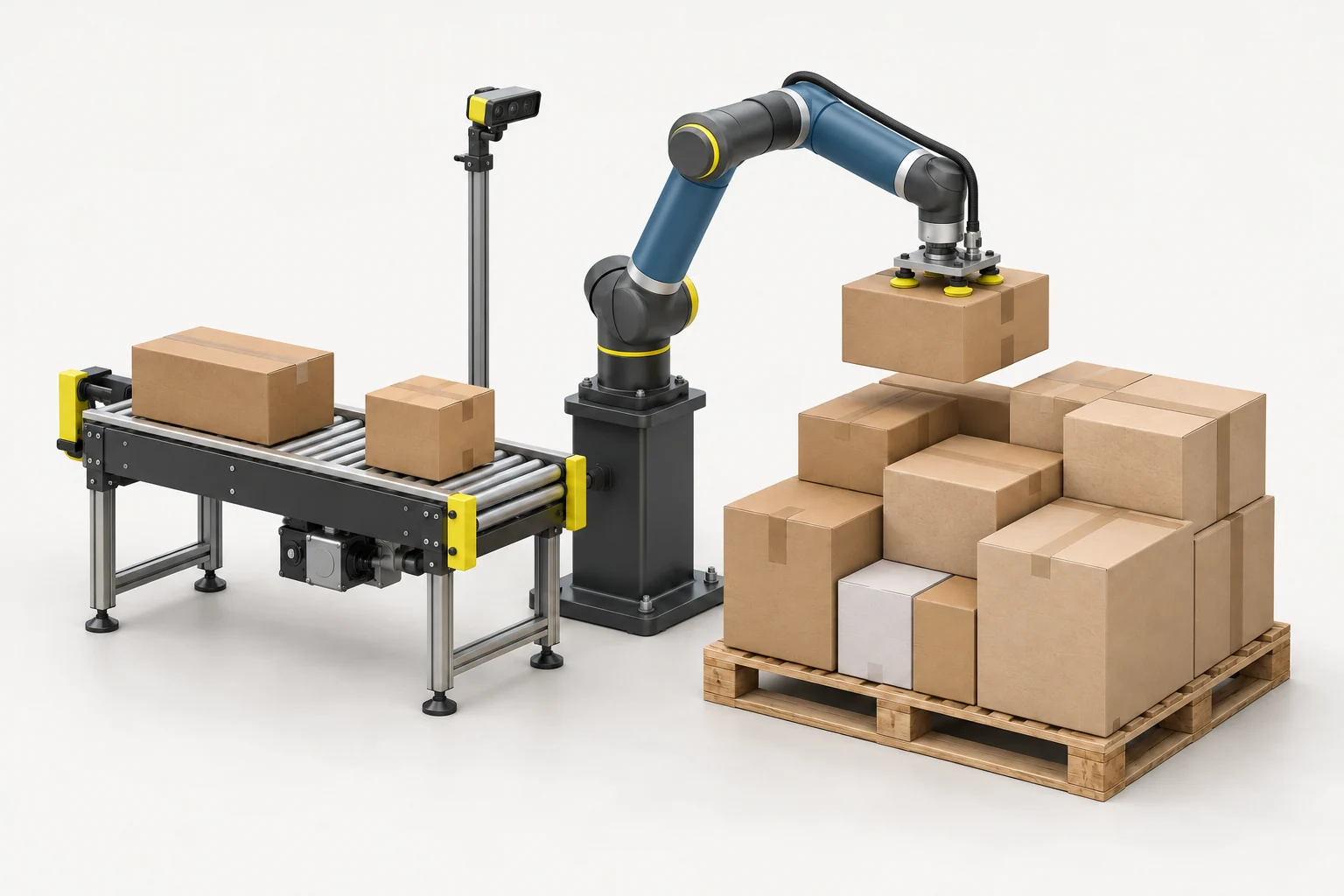
Logistics · E-Commerce
Mixed Palletizing
Define a mixed-carton load, calculate a pallet arrangement and review the packing result in 3D.
-
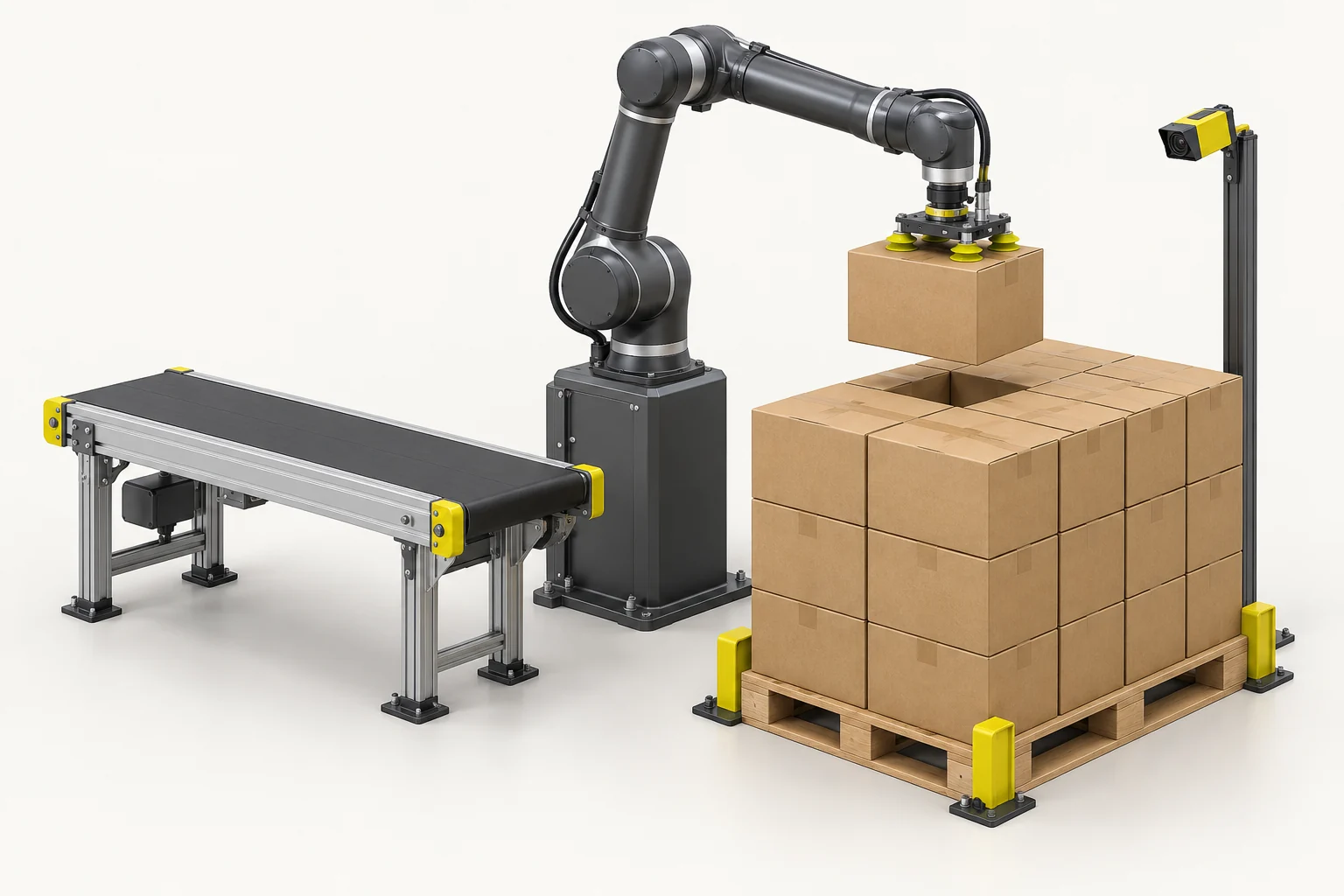
Logistics · Food & Beverage
Depalletizing
Locate accessible products on a pallet and guide their removal into the downstream process.
-
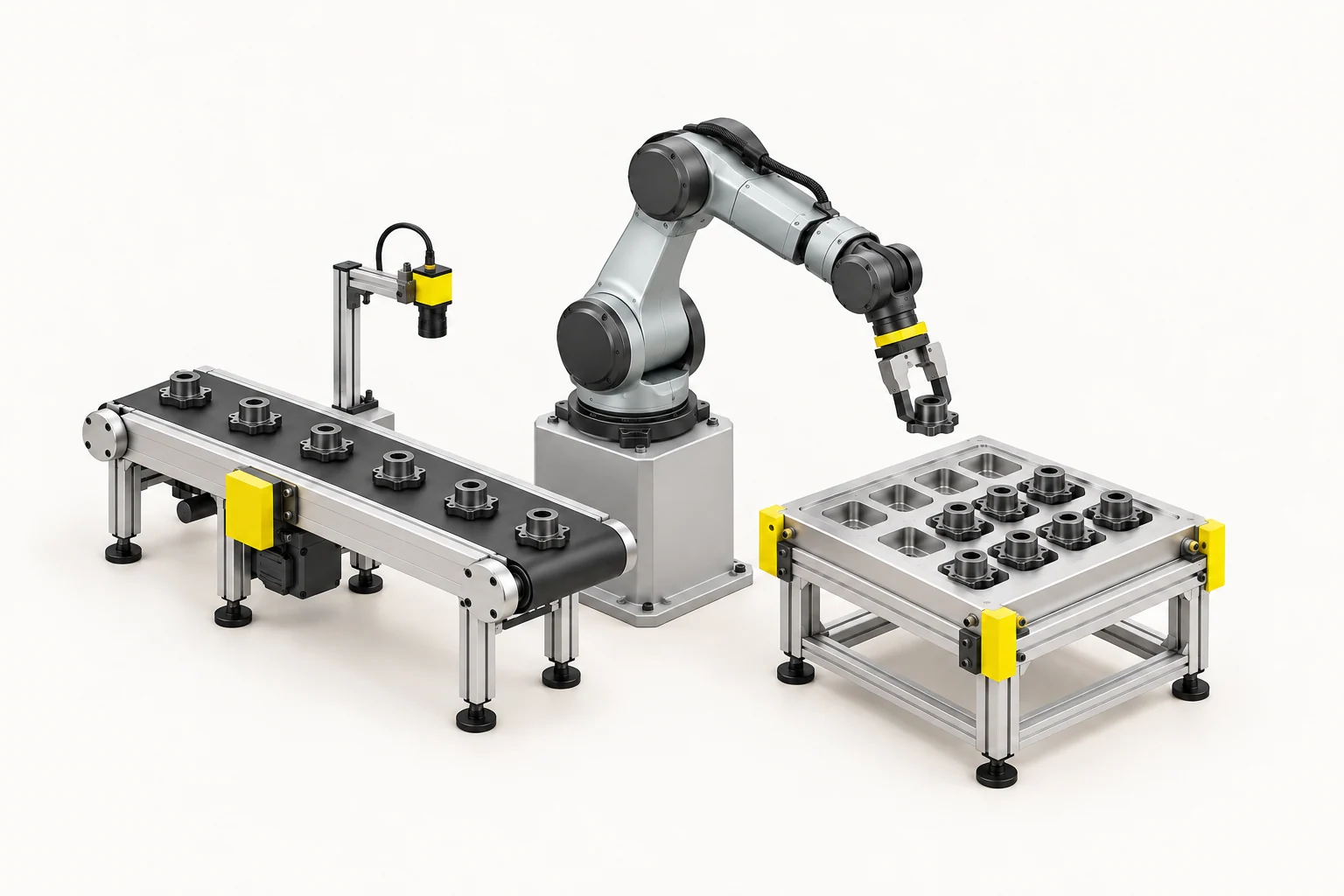
Electronics · Packaging
Pick & Place
Find individual products, identify their orientation and guide placement at the next station.
-
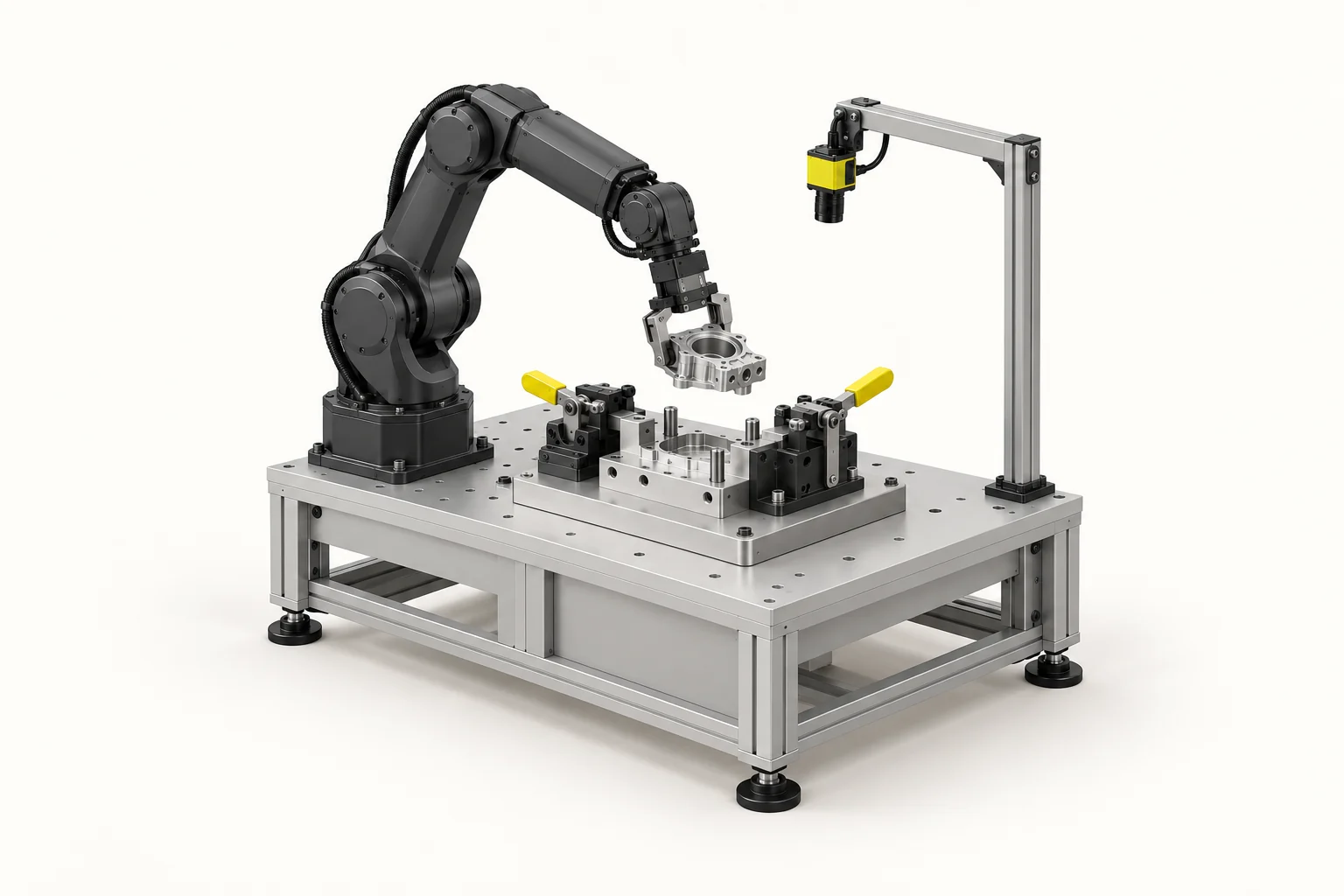
CNC · Welding
Visual Clamping
Measure the workpiece pose and adapt the robot path to the part’s actual position.
-
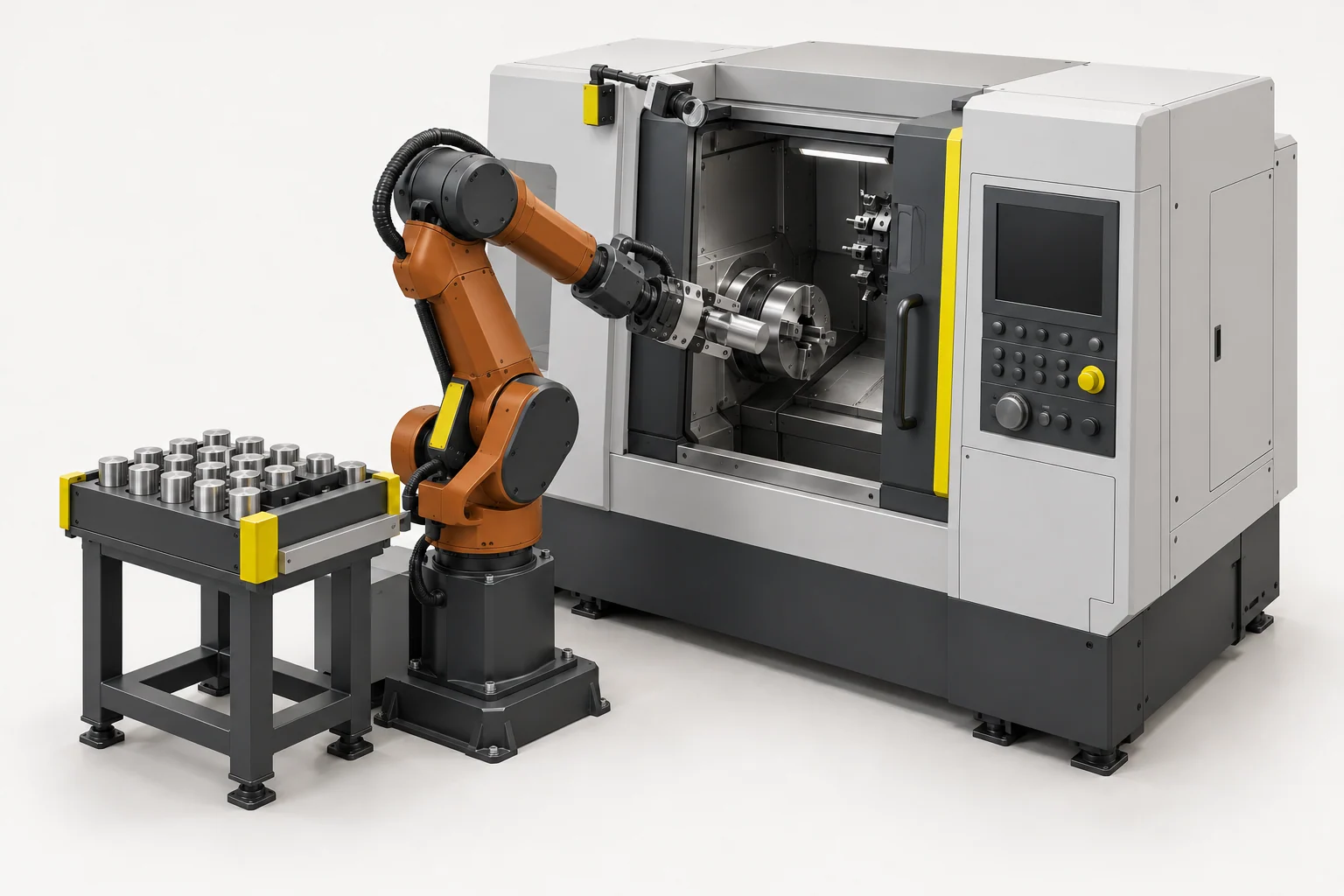
CNC · Foundry
Machine Tending
Guide the loading and unloading of workpieces between the material supply and a machine.
Not sure which package fits? Our engineers check your parts and process with you. Discuss your application
Case Studies
Shiny parts, reliably captured.
How machine builders and manufacturers use LumiScan: what the task was, who built what, and what came out of it.
All case studies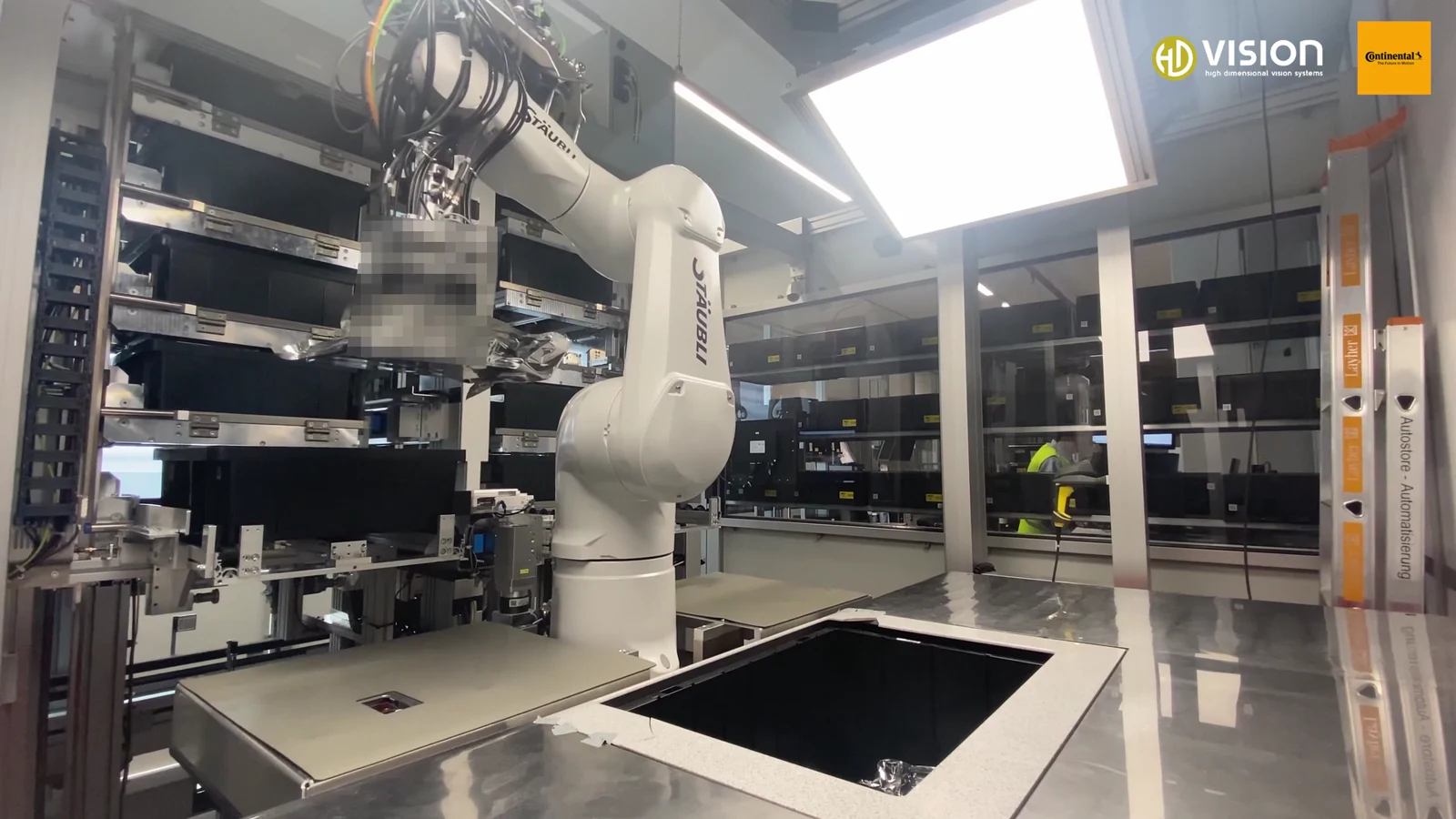
Picking SMD reels and PCB packs from an AutoStore automatically
VDALogistics Award 2022 for the overall concept
Ingolstadt plant, delivered 2021 for Continental (now AUMOVIO)
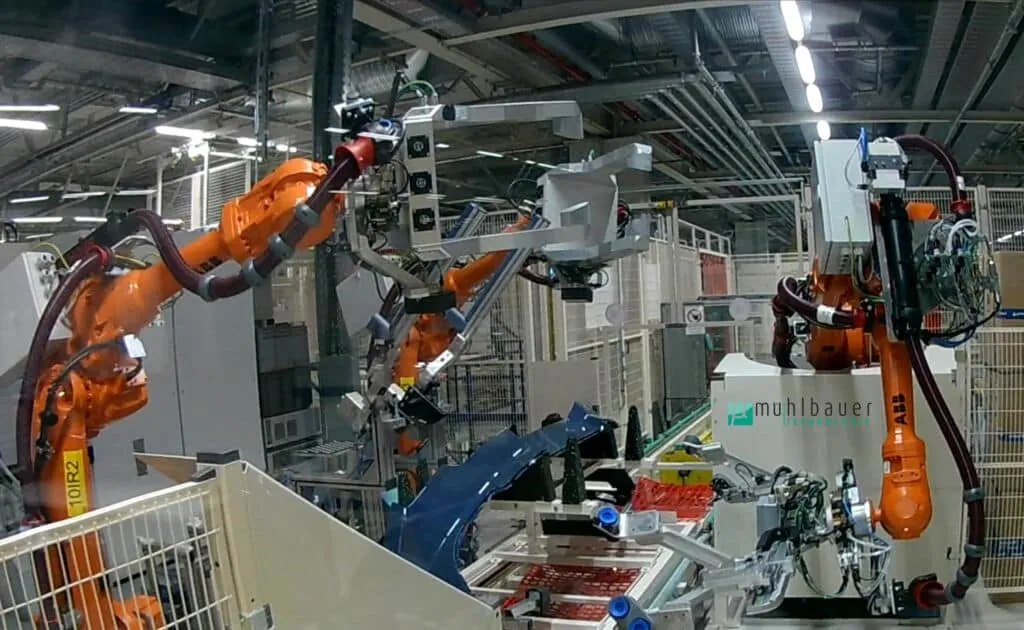
Inspecting glossy bumpers with light field and LumiScan VGR
13inspection systems in operation
In use in Germany and abroad (as of 2024)
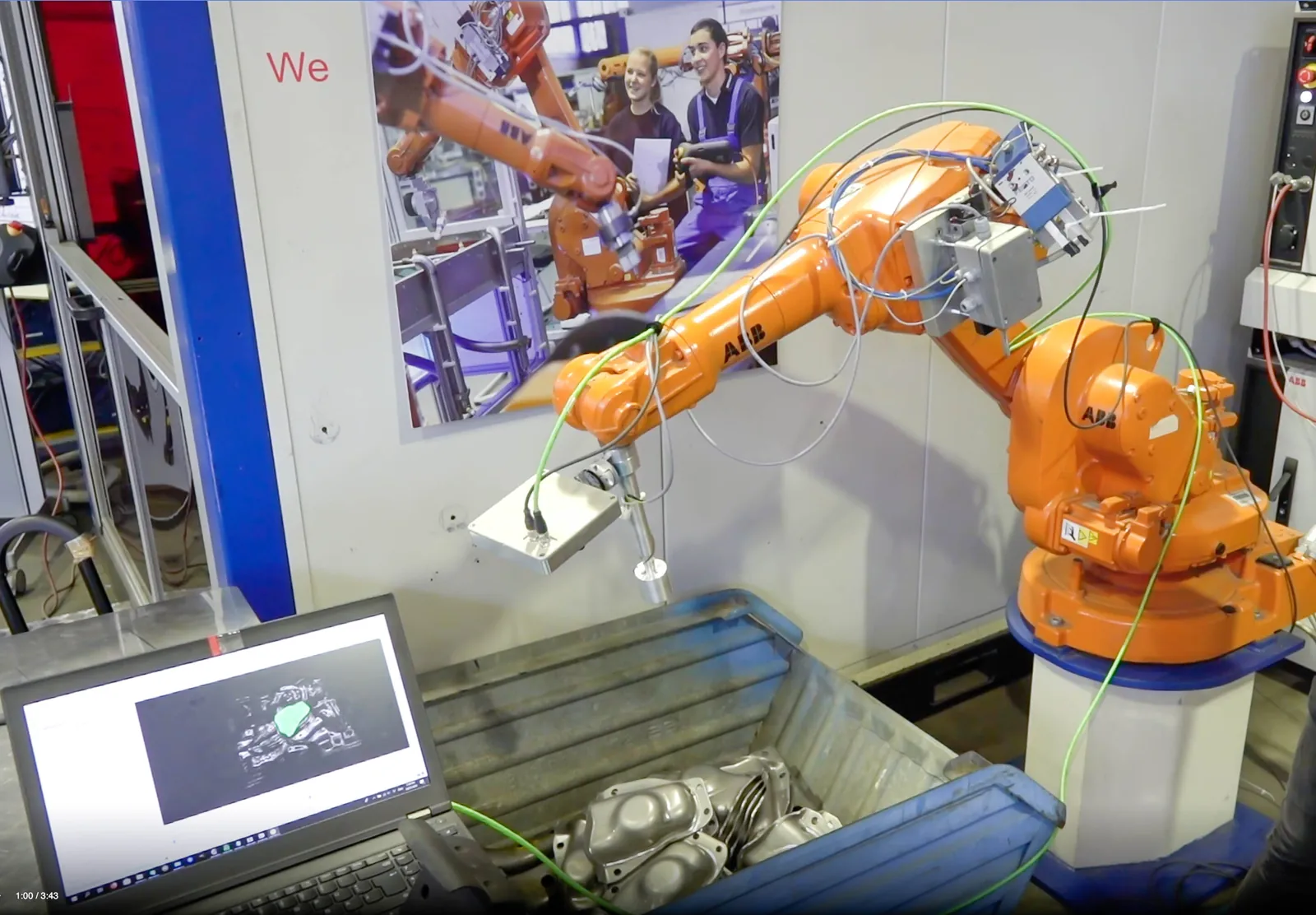
Bin picking oily steel parts from mixed boxes
“We are highly satisfied with HD Vision Systems’ solution for bin picking in our difficult conditions. For example, even hard-to-see shiny objects in boxes that are not sorted by type are detected with the automated grip. In particular, the speed with which the sensor and software have provided the robot with gripping paths is impressive.”
Tested at the BENTELER test centre in Paderborn, 2021
The Platform
From sensor to solution. On one platform.
Four clearly separated layers: you choose the task, the apps do the vision, Keryx connects everything, and the hardware stays your choice.
Solution packages
Built around a task
Bin picking, palletizing, depalletizing, pick & place, visual clamping and machine tending: every package bundles the right apps, vision hardware and a certified integration partner.
- Bin Picking
- Mixed Palletizing
- Depalletizing
- Pick & Place
- Visual Clamping
- Machine Tending
LumiScan Vision Suite
Configure, don’t program
Apps for robotics, AI recognition, inspection and reading – plus LumiScan Engineering to commission VGR, annotate data and train your own networks. No black box, no glue code. Every app is also available in the Bosch Rexroth ctrlX Store.
- VGR
- VGR Lite
- VGR Engineering
- Mixed Palletizing Engineering
- AI Object Matching
- Object Finder
- Template Finder
- Annotation Framework
- Training Framework
- Dimensional Inspect
- Area Detector
- DMC Reader
- QR Code Reader
- Aztec Code Reader
- Barcode Reader
- Text Reader
- Calibration
- CamDriver
- Cockpit
LumiScan Keryx™
One interface for everything
Every app exchanges results, commands and status over the same data layer. On Windows 11 and Ubuntu 24.04 that is LumiScan Keryx, on ctrlX OS the ctrlX Data Layer – with the same node paths, data types and handshake.
- Windows 11
- Ubuntu 24.04
- ctrlX OS
- OPC UA
Hardware
Cameras, compute, controllers
LumiScan X light-field cameras for difficult surfaces, GenICam cameras from IDS, LUCID, Pepperl+Fuchs and other makers, ToF and stereo sensors. AI models run as ONNX on NVIDIA, Hailo-8 and other accelerators.
- LumiScan X
- GenICam
- ToF & Stereo
- NVIDIA
- Hailo-8
- ctrlX CORE
- PLCs & robots
LumiScan Keryx™
Connect once. Combine freely.
LumiScan Keryx is the data layer of the LumiScan Vision Suite on Windows 11 and Ubuntu 24.04. It speaks the same language as the ctrlX Data Layer: same node paths, same data types, same handshake. Your controller sees every app the same way on every platform.
Your control code stays
Change camera, compute or platform without rewriting the connection to PLCs and robots.
One handshake for every app
Detecting, reading, measuring and picking follow the same sequence. Once you have connected one app, you know the principle for all of them.
From PC to ctrlX – and back
Runtime apps run on an industrial PC and natively on ctrlX OS with the same interface. You decide per project.
LumiScan X · Light Field
Glossy, metallic, film-wrapped: measured, not guessed.
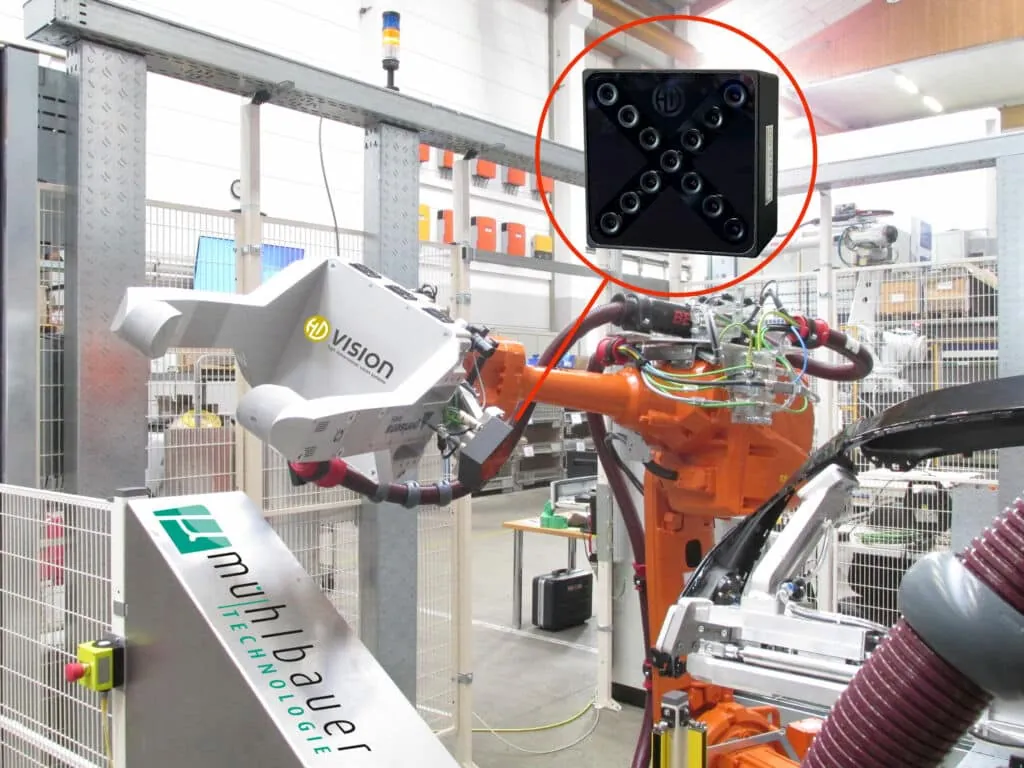
Where reflections fool other 3D sensors, LumiScan X records the scene from 13 perspectives at once. From the shift between the views, LumiScan computes the depth of every pixel – physically measured, in a single shot. The result flows through Keryx into the same apps as any other camera.
- cameras exposing simultaneously – moving objects are captured too
- 13
- shot is enough: depth for every pixel, with no moving parts
- 1
- LumiScan SL pattern projector for textureless surfaces
- SL
The Ecosystem
Better, together. Connected by LumiScan.
From camera technology to cell integration. We bring software and expertise together around your application.







Awards
-
 German Innovation Award 2019LumiScan X
-
 inVISION Top Innovation 2020LumiScan X
-
 VISION Start-up 2020Winner
-
 100 Orte für Industrie 4.0Baden-Württemberg · 2020
-
 Startup the FutureVDMA
-
 DeepTech4GoodStuttgart audience award
-
 KI-InnovationswettbewerbProject funding in Baden-Württemberg
-
 NVIDIA InceptionStartup programme
How to Buy LumiScan
How LumiScan gets into your cell.
HD Vision Systems supplies the software and the vision hardware. The cell is built by an integration partner, your own team or the maker of your machine.
-
For manufacturers
With an integration partner
You describe the task. A certified partner such as HELDELE Automation designs, builds and commissions the cell; we supply LumiScan and back the partner.
Discuss your application -
For integrators & OEMs
Integrate it yourself
You buy engineering and runtime licences and vision hardware directly from us, with training and support – also for automating your own plant. Engineering covers all your projects; each cell adds a runtime.
For integrators & OEMs -
For ctrlX AUTOMATION
Through the ctrlX Store
Every LumiScan app is available in the Bosch Rexroth ctrlX Store. Bosch Rexroth provides service and support worldwide.
Go to the ctrlX Store

ctrlX AUTOMATION
“HD Vision Systems is a good example of how we integrate specialised technology into the automation platform as easy-to-use apps within the ctrlX OS Ecosystem. With the LumiScan Suite and our joint Solution Sets, we combine machine vision with a scalable approach to specific industrial applications.”
Not sure yet whether your task can be solved? On request, we test your parts in a feasibility study before you invest. Check feasibility
Blog
Latest from the blog
All posts
How-to: Use LumiScan Cockpit to evaluate an image from LumiScan CamDriver
This guide explains how to configure overlay annotations in LumiScan Cockpit to display visual markers on top of images. Overlays enable you to highlight regions of interest or …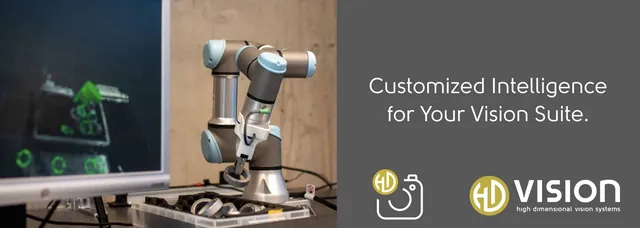
How-to: Connect and operate a GenICam Ethernet Camera with ctrlX OS device using LumiScan CamDriver
This how-to guide explains how to connect and operate an Ethernet-based, GenICam-compliant camera with ctrlX OS device like ctrlX CORE using the LumiScan CamDriver application. By …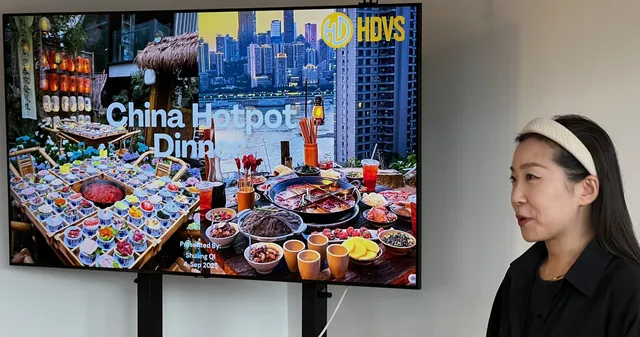
Hotpot & Pitch: an Evening full of cultural Insights at HD Vision Systems
Yesterday evening, we experienced something very special: the Chinese Hotpot Dinner & Pitch. What initially sounded like a shared meal and a short presentation turned into an …Your Next Step
Your application. Our next conversation.
From the first workpiece to the right configuration. Tell us what you would like to automate – we get back to you within one business day.
Thank you – your enquiry has reached us.
We usually get back to you within one business day. A confirmation is on its way to . It also contains the link for your larger files.
Your reference: